Correcting a Rate on the Packing List
Purpose
Use this page to correct a rate that is wrong on a packing list invoice. It changes the rate on the sales item behind the packing list.
Before you start
- You have the right account for this screen (see Permissions and Access).
- The date and record you are working on are correct.
- Words you do not know are in the Glossary.
Access
Booking → MK Packing List → Invoice
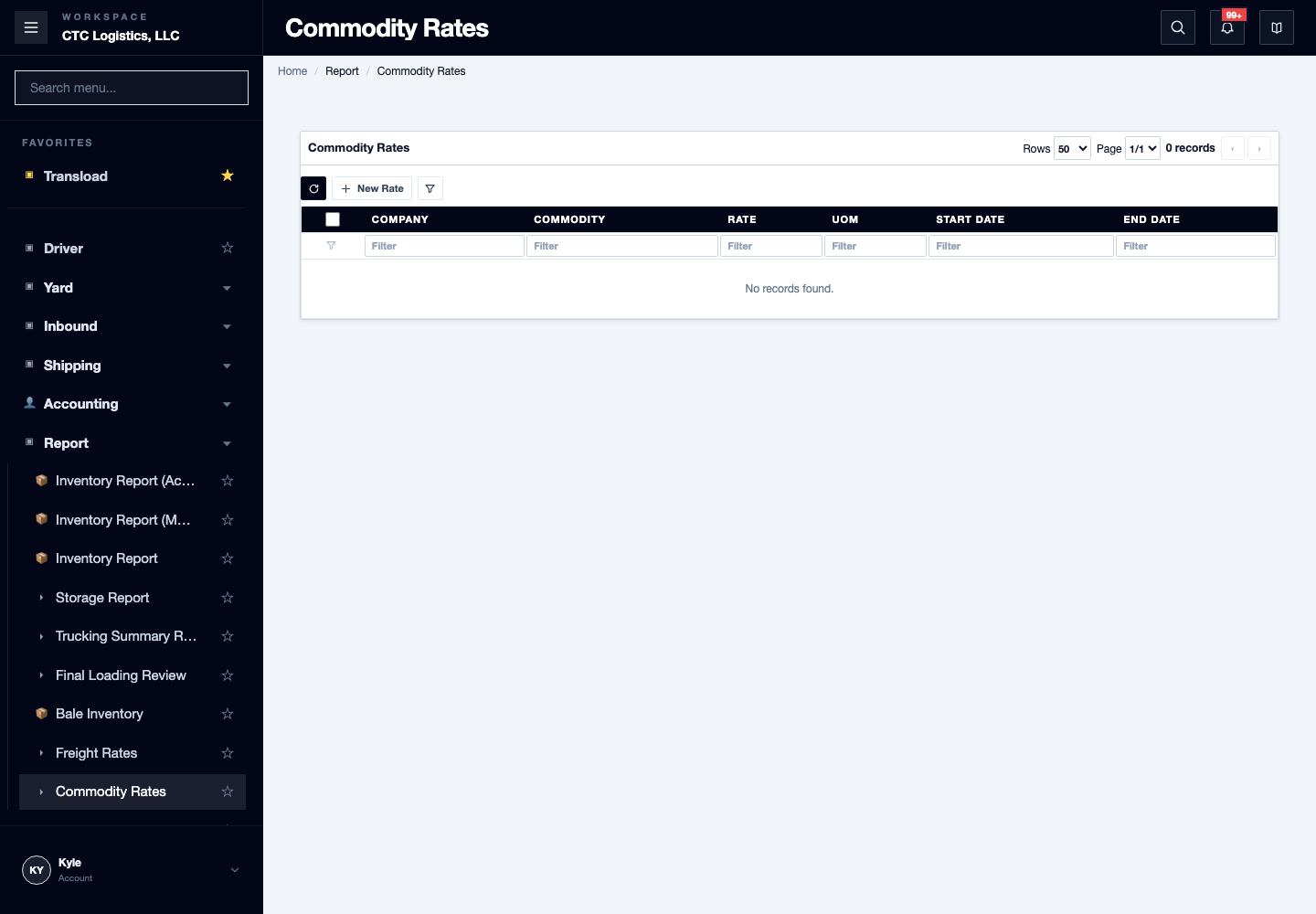
The rate itself comes from Accounting → Commodity Rate.
Screen
Steps
Correct a Rate
- Open the exact booking and its packing list invoice view.
- Write down the order and item identifiers, the billing unit and base, and the rate as it stands.
- Confirm the intended rate against the source you were given.
- Change Rate once, then leave the field.
- Reopen the packing list and the source order, and check the rate on every line you meant to change.
Reread Every Intended Line
The screen can accept some lines and quietly skip others. A row that does not belong to this booking, this order, or your company is skipped without an error.
So check each line individually. A cleared field or a success message does not prove every line changed.
Fields
| Field | What it means |
|---|---|
| Rate | The only field that saves here. It changes when you leave the field. |
| Amount | Looks editable but is not saved. Anything typed here is lost on reload. |
Status
There is no saved, saved-confirmed or failed state on this screen.
There is no success indicator at all. The only way to know a rate saved is to reopen the page and read it. Do not print from the screen you just edited.
Notes
- Do not fix a total by editing the amount. It does not persist.
- If the save fails or times out, reopen and read every rate before trying again.
- If some lines changed and others did not, retry only the ones you have confirmed are still unchanged.
- If you set the wrong rate, put the original value back the same way — through the rate field, then leave it — and reread.
- There is no history of who changed a rate. The original value has to come from the note you wrote in step 2.
- If the value is not what you expect and you did not record the original, stop and ask. Do not guess a rate.
- Two people editing the same line: the last save wins. Reload before retrying.
- Zero and negative rates are not blocked by the screen. Correct them and report them.
Related
- Printing a Packing List — the document the rate appears on
- Creating a Sales Order — the order the rate belongs to
- Printing a Booking Confirmation