Creating an Export Brokerage Job
Purpose
Export Brokerage creates the whole set of records a brokerage job needs — purchase, stock, outbound order, equipment and container — from one action.
Before you start
- You have the right account for this screen (see Permissions and Access).
- The date and record you are working on are correct.
- Words you do not know are in the Glossary.
Access
Shipping → Export Brokerage
Screen
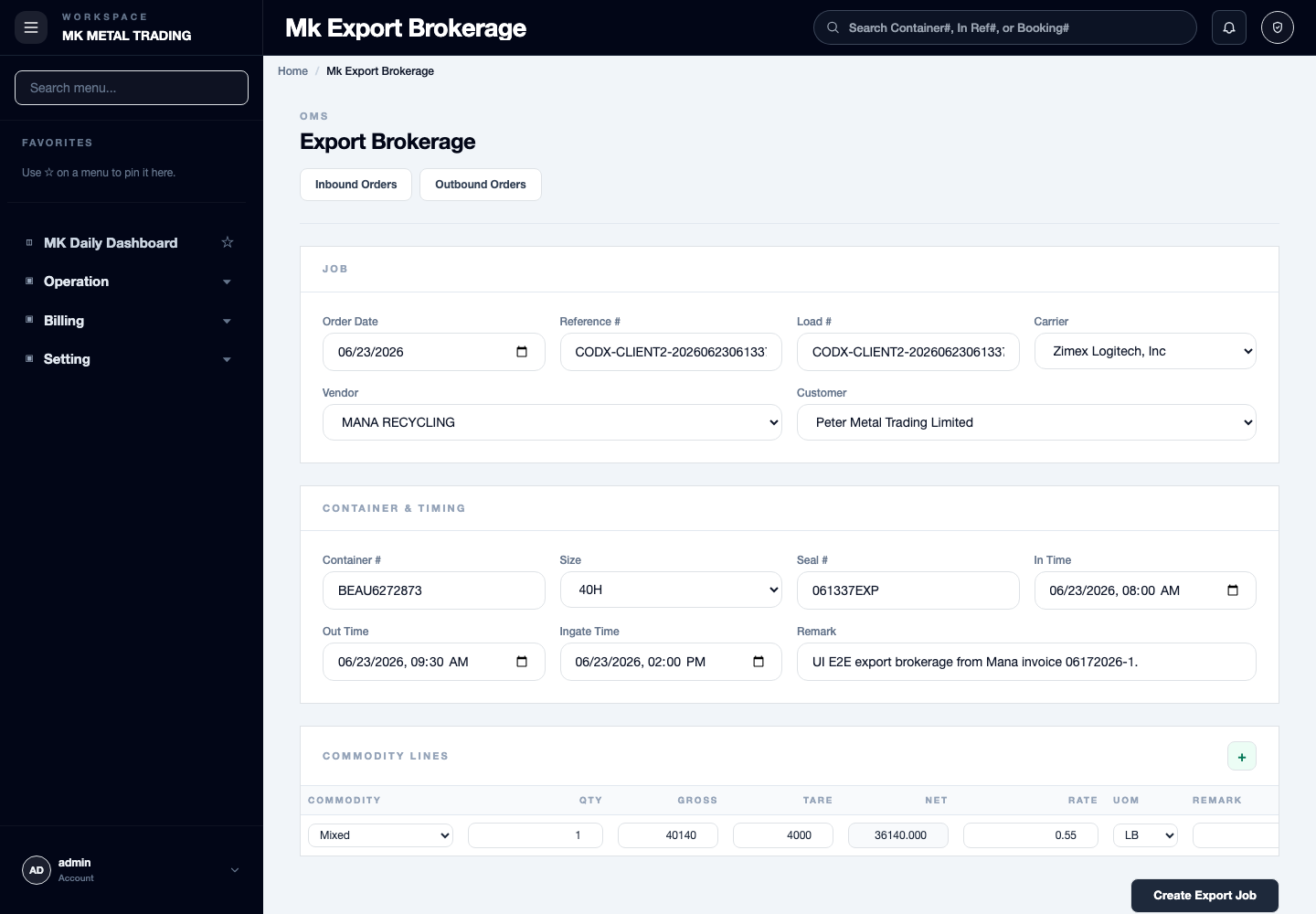
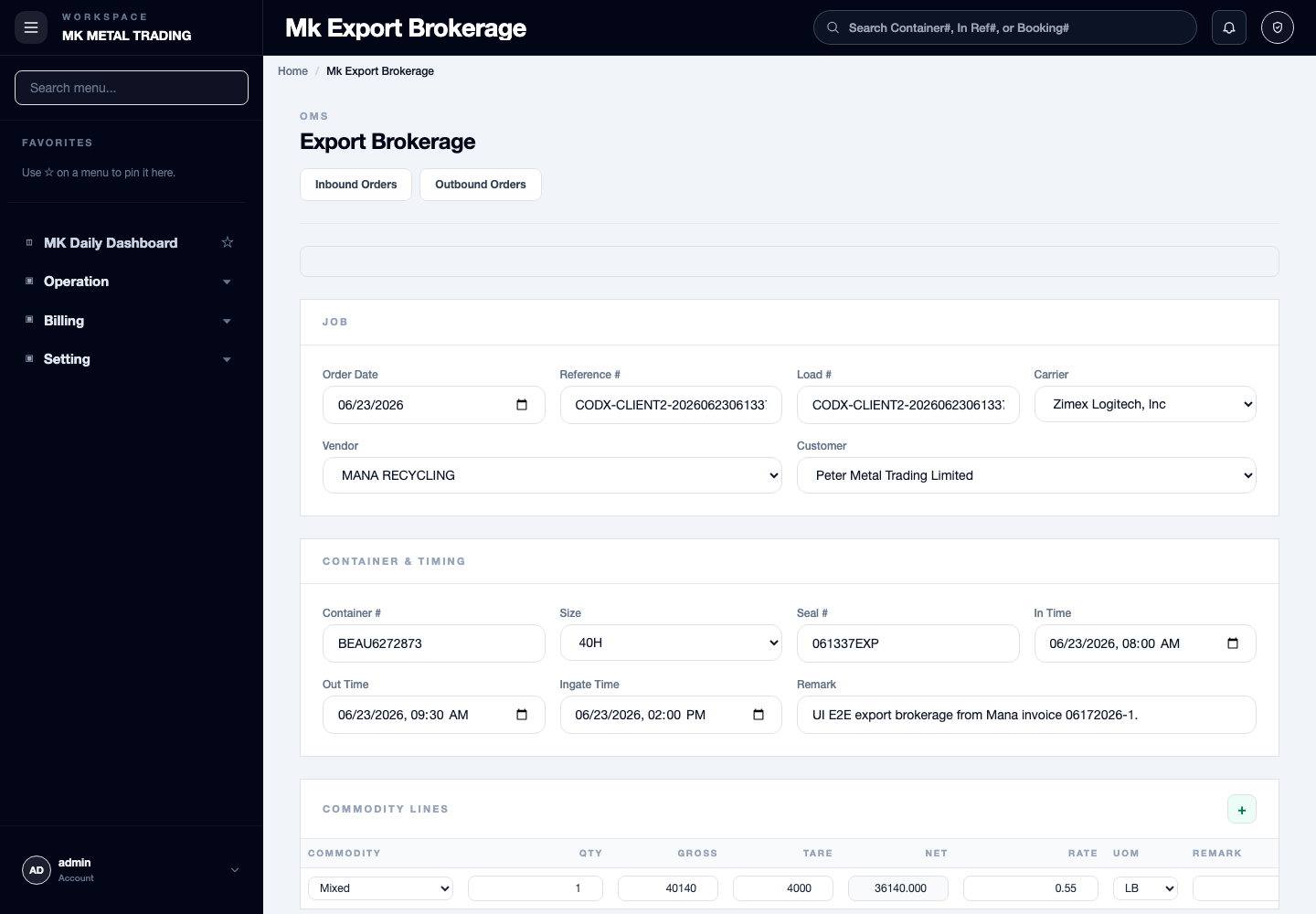
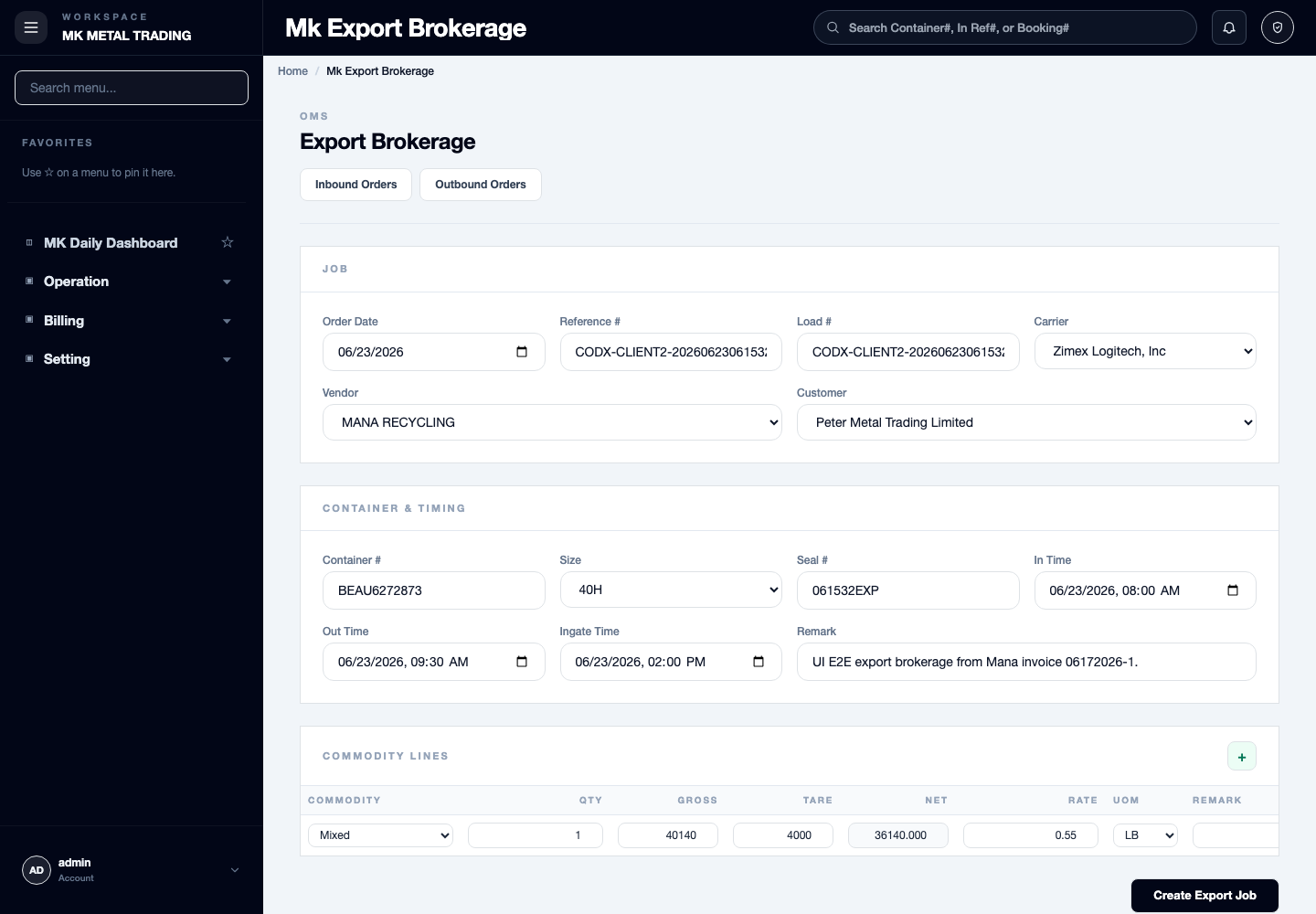
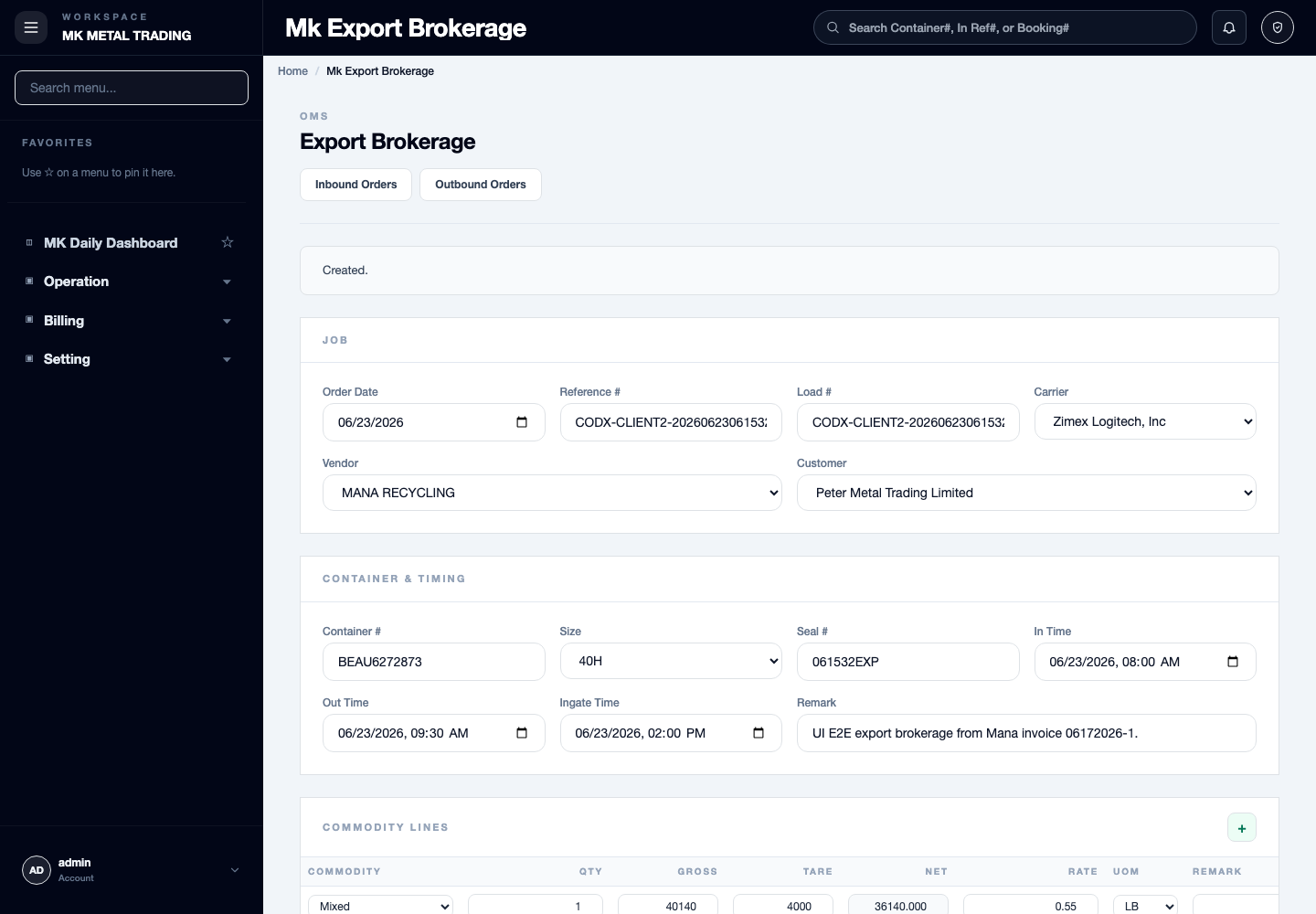
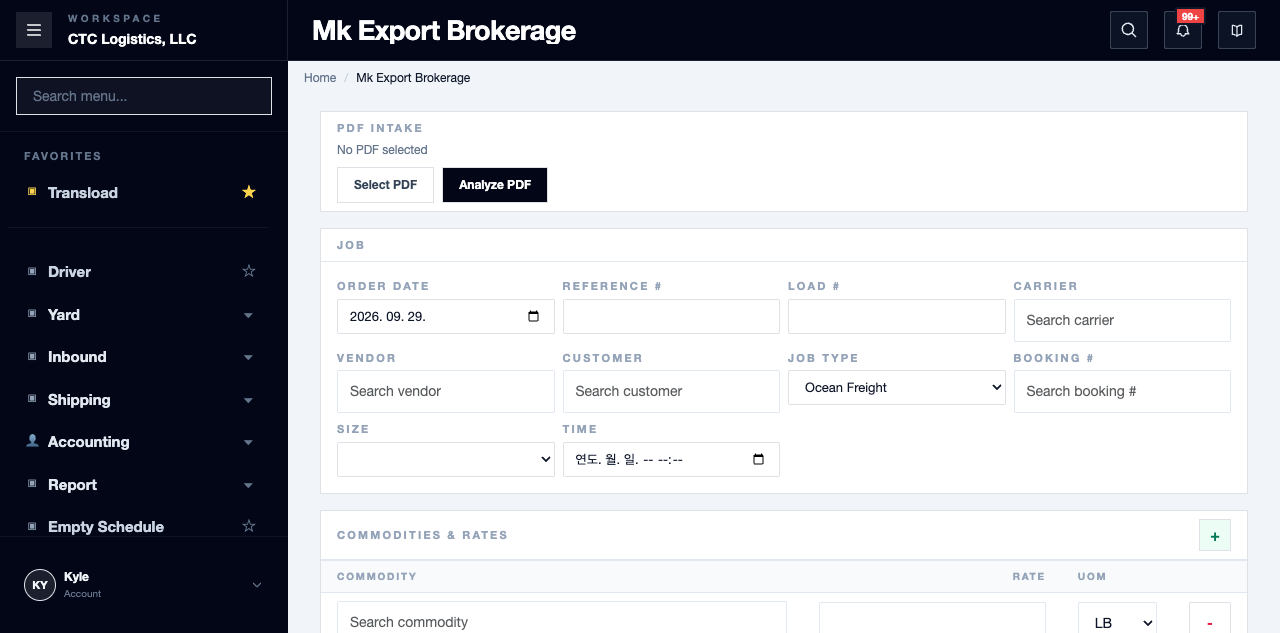
Steps
Analyze and Prepare
- Analyze the source document. This only fills the form with a proposal.
- Compare every party, reference, line, weight, rate, unit, time and container against the document.
- For an ocean load, select the existing active booking yourself. A booking number on the document is only a search hint.
Analyze neither saves nor approves anything. Anything it is unsure about, resolve by hand.
Create and Verify
Only a single total line is supported. A request with several lines or several containers rolls back at the inbound stock step.
Submit once, then keep every record id that comes back, and reread all of it:
- the inbound order, its lines, the load and the stock lot
- every outbound order, line, equipment link and the booking's reverse pointer
- the allocation and the lot's remaining quantity and weight
Stock can be re-synced and show the full balance again after an allocation. Treat the job as incomplete until every record and every balance reconciles.
Cancel
Cancel is only for the exact set this page generated, and only while nothing has progressed on it.
- Use the complete inbound id and every outbound id that Create returned.
- Check for progress: scale, equipment, load, warehouse and ledger, allocation, delivery, cost.
- Cancel once, then verify what was removed and what was kept.
- Confirm the original booking is still there, and check whether its sales pointer is now stale.
Fields
| Field | What it means |
|---|---|
| Booking | You must select the active booking. A number on the document does not select it |
| Lines / containers | One total line only — more will roll back |
| Returned record ids | Keep these. They are the only handle you have on cancel |
Status
This page keeps no job record and no idempotency key.
The cancel handle is lost if the page reloads. A repeated Create can duplicate records, and a repeated Cancel cannot prove the first one worked.
Notes
- On a timeout, search by exact reference, container and booking and reconcile every record before retrying. Never retry Create blindly.
- Cancel is not a general order delete and not a way to reverse a single allocation.
- Every analyze, create, cancel and recovery decision needs a person to make it.