Booking Confirmation
Purpose
The Booking Confirmation — also called the Shipping Instruction — is the document that tells the carrier what to move. This page is for reviewing and printing it.
Before you start
- You have the right account for this screen (see Permissions and Access).
- The date and record you are working on are correct.
- Words you do not know are in the Glossary.
Access
Booking → Booking Confirmation
Screen
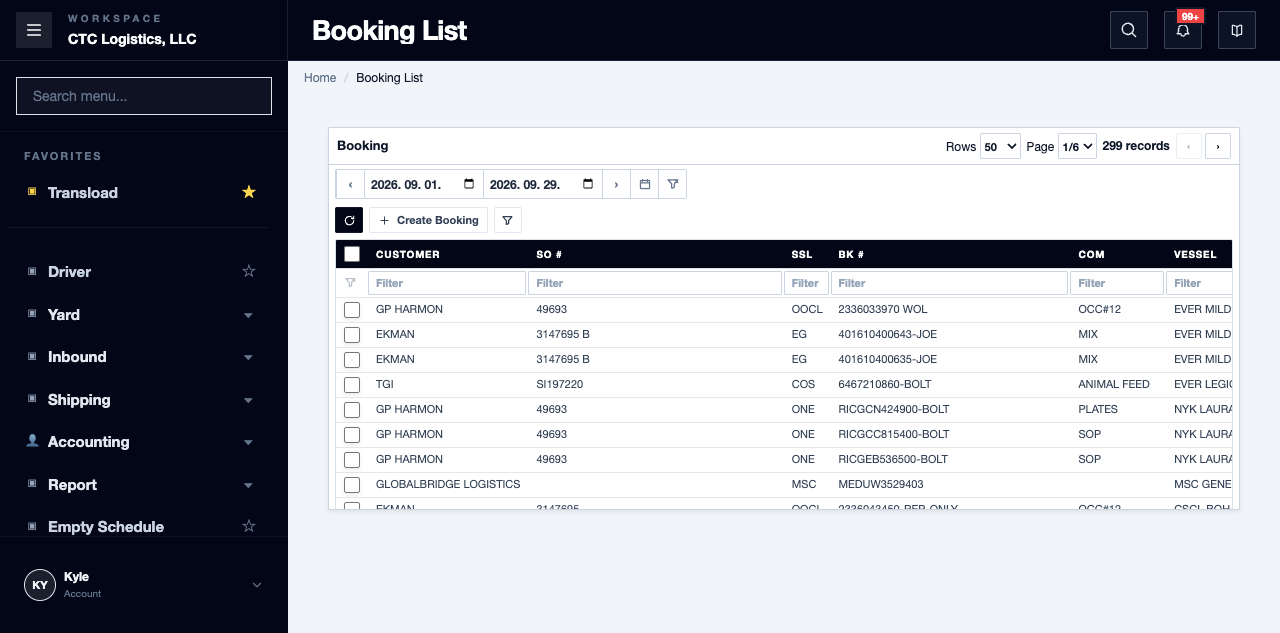
Steps
Review and Print
- Open the exact booking and verify the parties, terminals, vessel, dates, ports, commodity, container counts and notes.
- If a sales order is linked, verify it separately. If none is linked, check that the booking's own PO reference is still the intended one.
- Open the Booking Confirmation and compare every printed value against the booking.
- Check the PO or sales reference shown, the
Shipping Instructiontitle, and the fixed wording and instructions. - Confirm the printer and destination, then print.
Fields
| Field | What it means |
|---|---|
| PO / Sales reference | Which order the document is for |
| Title | Printed as Shipping Instruction |
| Fixed wording and instructions | Part of the template, not taken from the booking |
| Date | The current server date — not a snapshot date |
The booking's own remark and special instruction are not printed by the current template. If they matter for this load, they must travel another way.
Status
This page has no status of its own.
Printing here does not confirm the booking, and it is not recorded. A reprint on a later date shows a later date, so two printouts are never identical.
Notes
- If a value is wrong, stop and correct the booking, sales order or company that owns it, then reopen. Do not fix it on the printed page.
- If the template or branding is wrong, stop distribution and escalate to whoever owns it.
- If the print result is unclear, or the booking changed after you printed, reopen and reconcile — then let the document owner decide whether to reprint.
- Every source correction, print and distribution decision is a human judgement.
Related
- How to create or change a Booking — the source of this document
- Printing a Packing List — the other document on a load
- Turning an Import Container for Export