Office Control
Purpose
The morning routine for office staff: see the day's work, clear the appointment queues, find the items that need attention, and hand each one to a named person.
Who does this
Office Manager and office staff.
When you need this
At the start of your shift, and whenever you take over a queue.
Before you start
| You need | Why |
|---|---|
| The correct operating date | Acting on the wrong day is the most common harm this screen causes |
| The right company account | Everything else is worthless on the wrong account |
| A list to write names against | An exception nobody owns is an exception nobody is working on |
Access
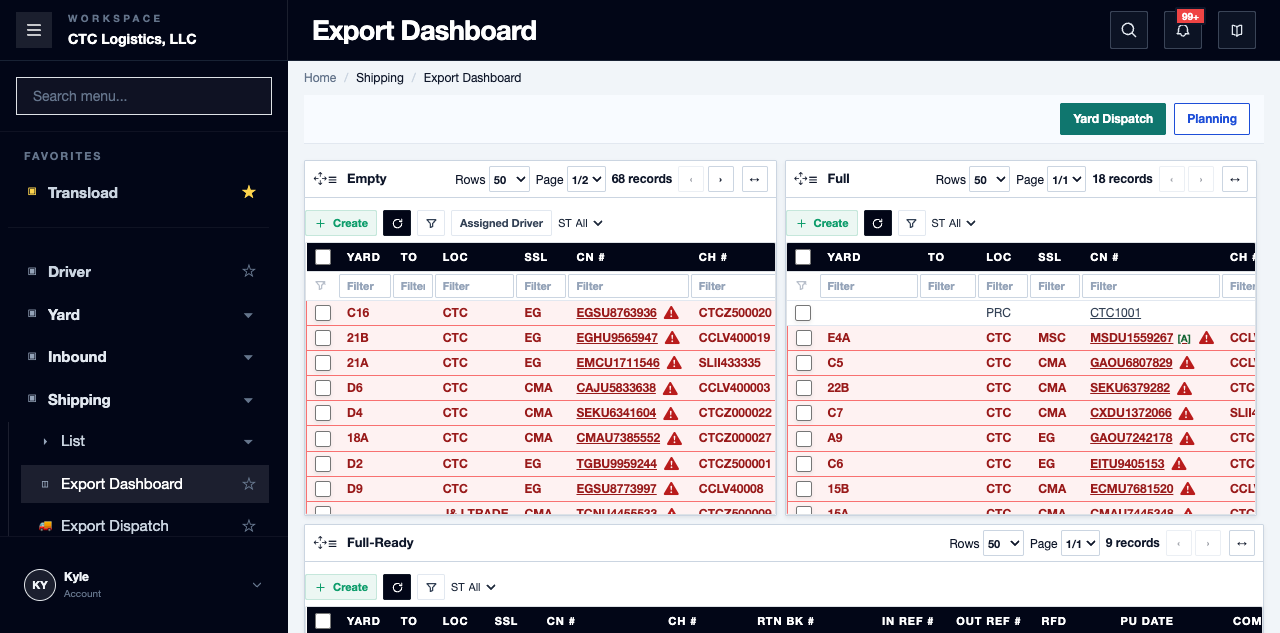
Shipping → Export Dashboard
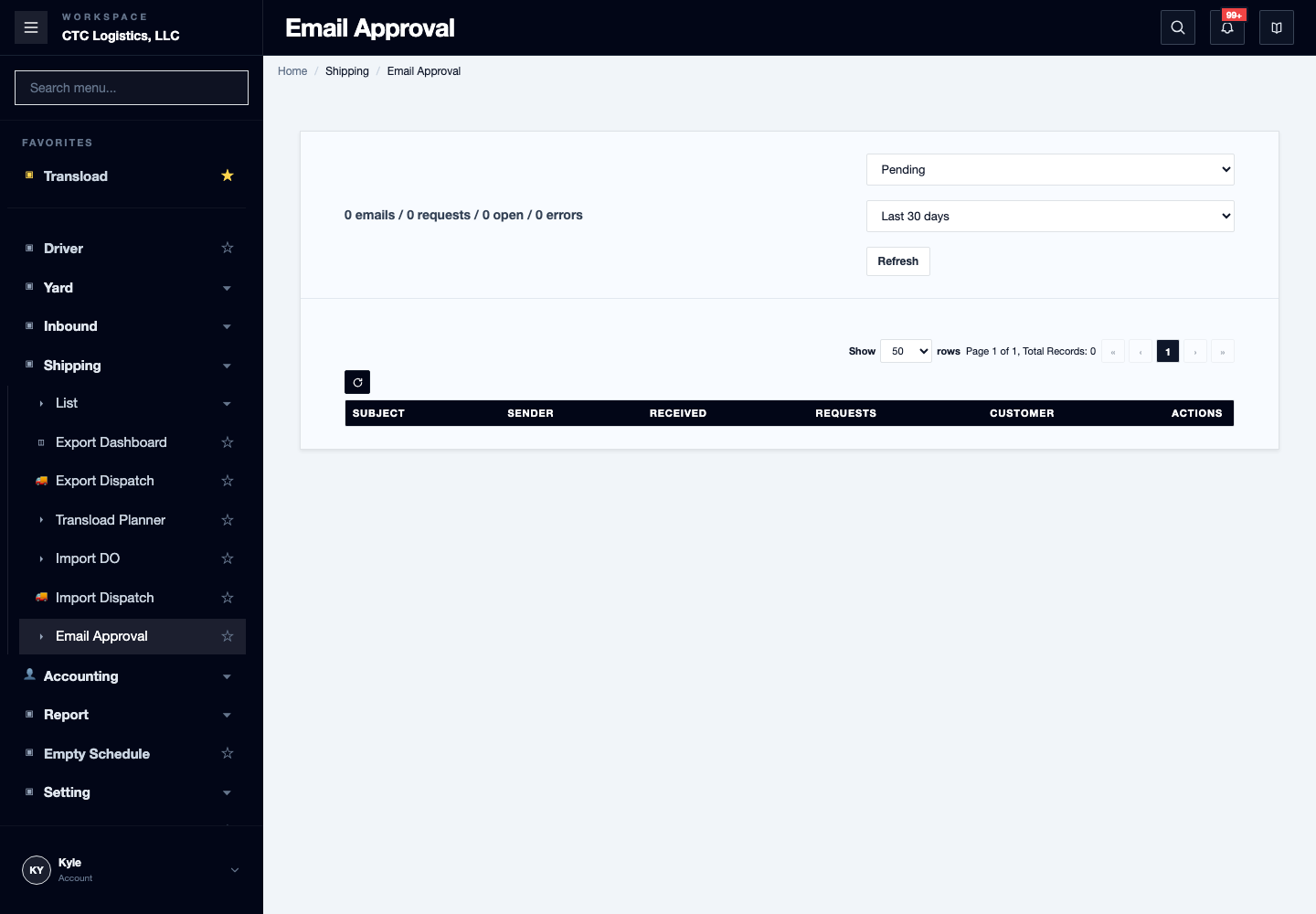
Yard → Appointment · Shipping → Email Approval · Accounting · Report
Screen
Steps
1. Read the day's workload
Open the Export Dashboard and read the workload for the operating date. Note what is late and what needs a decision.
2. Clear the appointment queues
Open Appointment and Email Approval for anything new, changed, cancelled or unclear. Deciding on a
booking request is covered in Reviewing an Appointment Email.
3. Find the items that need attention
Review Report and Accounting for the inventory, storage, trucking, payables, receivables and billing
items that need a decision today.
4. Give every exception a name
Before you move to the next queue, write a named owner against each exception and what they need to do. This is the whole point of the screen.
5. Hand over properly
Refresh the next person's queue after assigning or completing work, so they are looking at current information.
If something goes wrong
| What you see | What to do |
|---|---|
| A list looks empty | Clear the filter and refresh. An empty filtered list is not proof a record does not exist |
| A message or send fails | Keep the work that did commit and follow that screen's recovery. Do not repeat a yard, appointment or parking change just to resend |
| The wrong date is selected | Confirm it before changing anything |
What good looks like
- Every exception leaving your desk has a name and a next action against it.
- Nothing is carried silently.