Daily Dashboard
Purpose
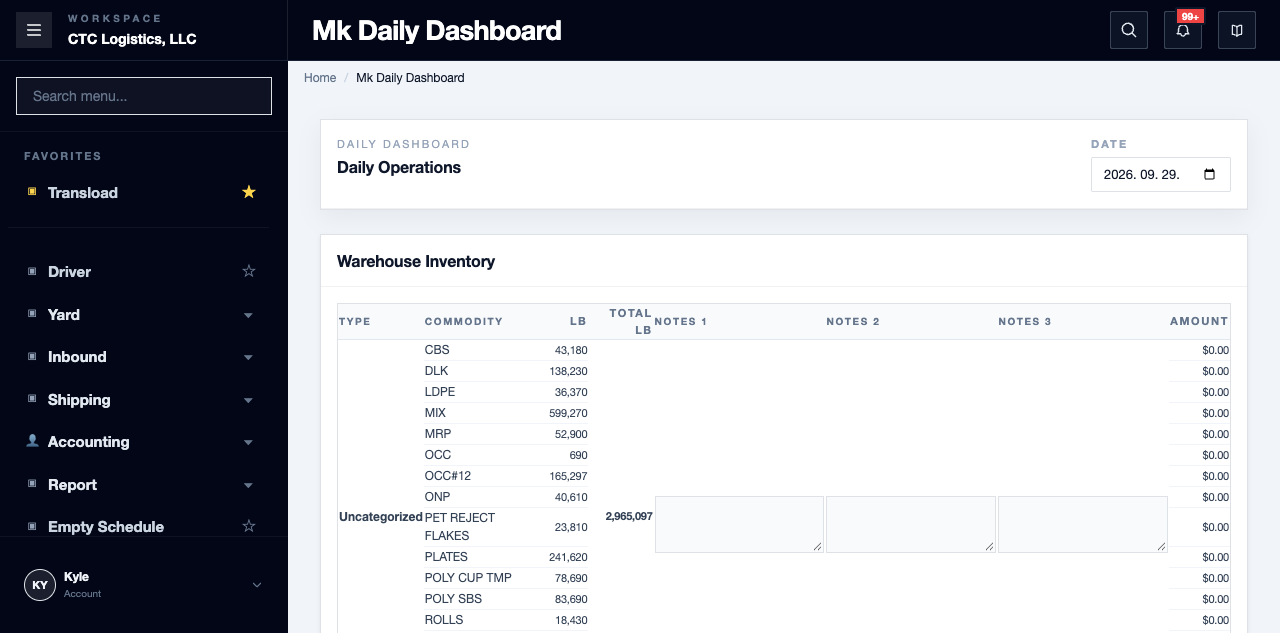
The morning control point. It shows the day's totals and the exceptions, so you can decide what needs an owner before orders are promised.
Before you start
- You have the right account for this screen (see Permissions and Access).
- The date and record you are working on are correct.
- Words you do not know are in the Glossary.
Access
Warehouse → Dashboard
Screen
Steps
Review the Day
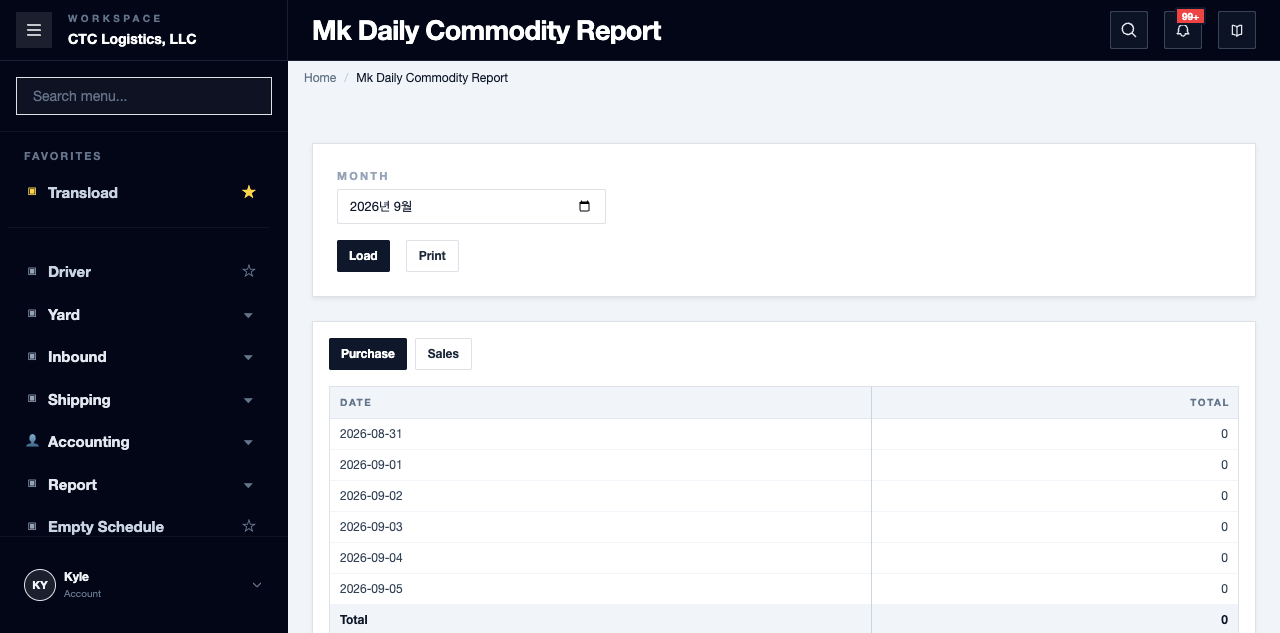
- Select the operating date or reporting period your team uses.
- Read the purchase, sales, open receiving, outbound, inventory and exception totals.
- Open the related order list whenever a total needs investigating.
- Write down the work that needs an owner today.
The Daily Handoff Check
| Check | What you should be able to say |
|---|---|
| Purchase and sales totals | The day's commercial activity is understood before new orders are entered |
| Open receiving | Every inbound row has a next action or an owner |
| Booking and cutoff risk | Bookings near their cutoff are visible to the shipping owner |
| Inventory available for sale | Allocation work is identified before an outbound order is promised |
| Physical scale work | Only vehicles or material actually booked for the yard scale are sent to the Scale Portal |
Fields
| Field | What it means |
|---|---|
| Operating date / period | Which day the totals cover |
| Exception totals | The items that are not the normal path |
| Open receiving | Inbound rows waiting on something |
Status
There is no stored status. The dashboard is calculated when you open it.
It is a snapshot. The numbers can differ from the order pages by the time you act on them. Always confirm at the source before committing to something.
Notes
- A common wrong turn: a sales order exists but the stock is not available. Do not create another sales order. Open the Allocation Workbench, look at the available lots, and ask the office lead to confirm the allocation plan.
- The dashboard totals are a summary. The order list behind a total is the source — open it rather than inferring from the total.
- Pick the period your team actually works to. A different period answers a different question.
- Write the exceptions down with an owner. A total noticed and forgotten is not a control.
Related
- Office Control — the wider morning routine
- Setting Stock Aside for an Order — the allocation work
- The working day, step by step