Documents and Exceptions
Purpose
The rules that apply when a document or an exception gets in the way. It does not replace the individual document pages — it tells you which one owns the job and what to do when the document will not appear or the figures will not agree.
Before you start
- You have the right account for this screen (see Permissions and Access).
- The date and record you are working on are correct.
- Words you do not know are in the Glossary.
Access
No single screen. Each job below has its own page.
Screen
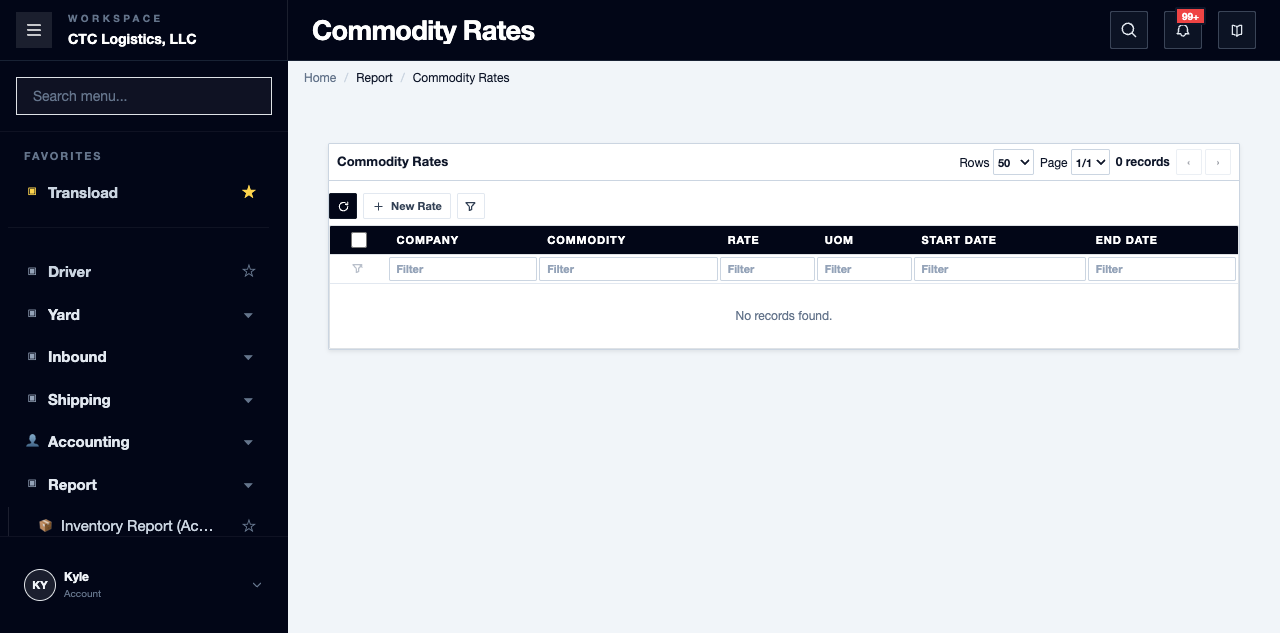
Steps
Know Which Page Owns Which Document
| The job | The owning page |
|---|---|
| Outbound cost, before saving or deleting | Outbound Order Cost |
| A wrong rate on a packing invoice | Correcting a Rate on the Packing List |
| The purchase invoice figures | Local Purchase Invoice |
| The shipping instruction | Booking Confirmation |
| The sales-order weight document | Sales Weight Ticket |
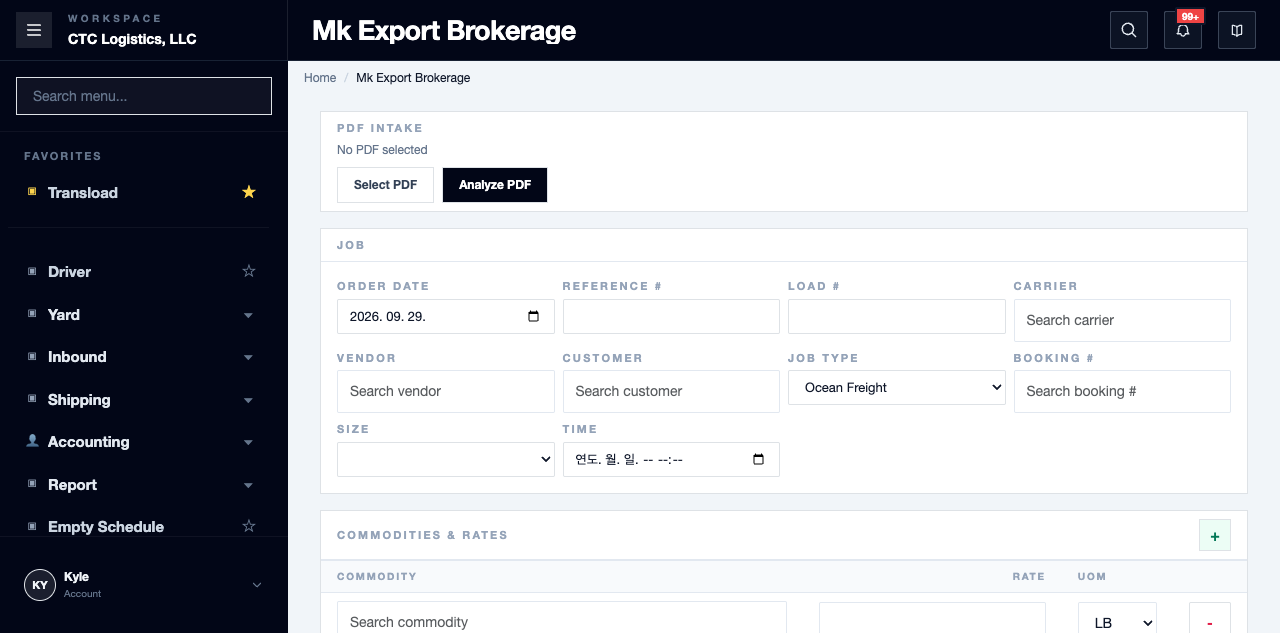
| A whole brokerage job in one action | Creating an Export Brokerage Job |
Know What These Documents Are Not
All of them are browser projections. None creates a snapshot, a file, an approval, or a record that you printed. Reconcile the current source and make every print, reprint and distribution decision yourself.
The sales weight ticket is not physical scale evidence, and it is not the same as the generic per-ticket output.
When a Document Does Not Appear
- Confirm the selected customer, date, keyword and status, then refresh the list.
- Reopen the source order or booking before creating another record.
- If a document analysis is still loading, compare it against the source document and enter the values you can verify by hand.
- If a saved record is still missing, write down the menu path, the reference and the exact message you saw, and take it to the office lead.
Fields
| Field | What it means |
|---|---|
| Menu path | Needed whenever you escalate — write it down |
| Reference | The order, booking or load the document belongs to |
| Visible message | The exact wording, not your summary of it |
Status
There is no status here.
Do not invent document state. Nothing records that a document was produced, sent or accepted. Each owning page tells you what its own output does and does not prove.
Notes
- List every cost record on the order before saving or deleting one. The screen can hide sibling records.
- Reopen the source after every rate correction. The save happens when you leave the field, with no confirmation, and printing can race a save that has not landed.
- Amount-only edits are temporary and are lost on reload.
- Export Brokerage supports one total line only. More rolls back at the stock step.
- After a timeout or reload, search and reconcile every created record before retrying. There is no job record, so a repeated create duplicates and a repeated cancel cannot prove the first one worked.
- Cancelling a brokerage job can leave the original booking pointing at a deleted order. Check it.
- Doortrade: use only the fields that customer's process requires, and do not add scale steps by default.