Packing Document
Purpose
The Packing List is the document that travels with a load. This page is for producing and printing it.
Who does this
Office staff producing the packing list.
When you need this
When a load needs its packing list produced.
Before you start
- You have the right account for this screen (see Permissions and Access).
- The date and record you are working on are correct.
- Words you do not know are in the Glossary.
Access
Booking → MK Packing List
Screen
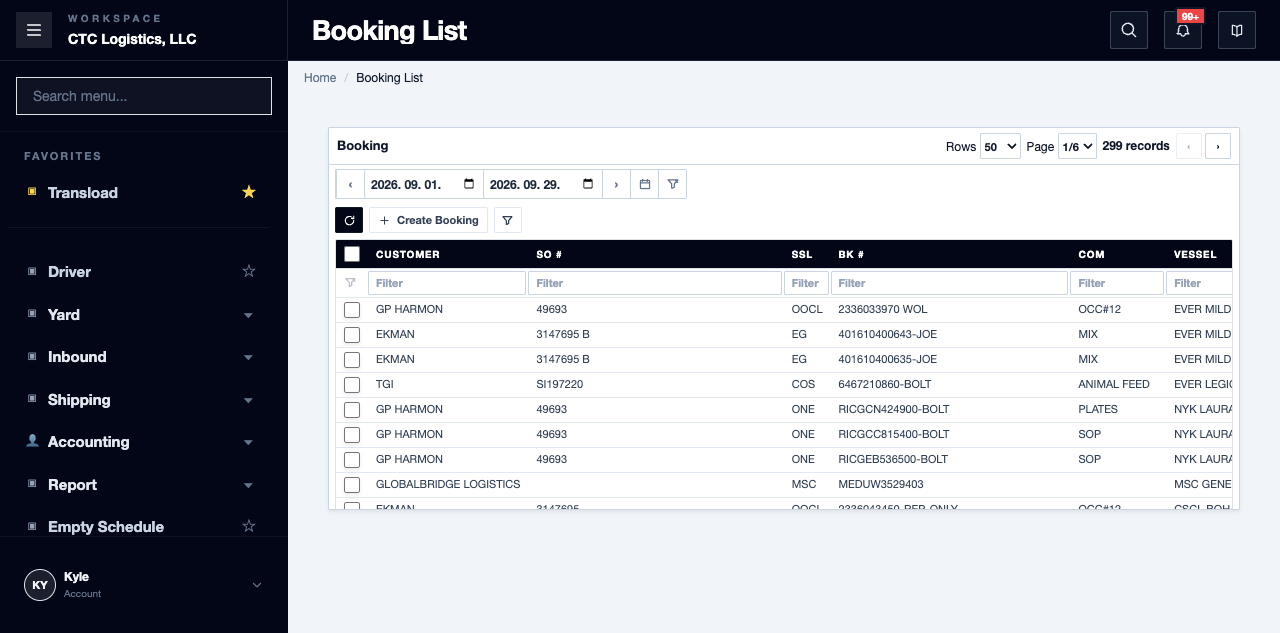
Main Features
Before You Open It
- Open the exact booking and its linked outbound sales order.
- Verify the container, the equipment load, the seal, the order items and the equipment commodities.
- Decide whether you are printing all the containers on the booking or one equipment load.
The page needs an active, linked container. Without one there is nothing to print.
Review and Print
- Open the packing list and choose the container scope.
- Compare the booking, container and sales identifiers against their source pages.
- Compare every quantity, weight, unit and rate.
- Independently check the ports, trade terms, currency and dates.
- If a rate is wrong, correct it on its own screen, then reopen and confirm it saved.
- Print from the browser.
Fields
| Field | What it means |
|---|---|
| Container scope | All containers, or one equipment load |
| Quantity, weight, unit, rate | Must match the order |
| Ports, trade terms, currency, dates | The template holds fixed values that may differ from the booking |
| Notes area | Typed here for printing only — it does not save |
Status
There is no status, approval or completion state on this document.
Printing does not set a submitted or invoiced flag, create a file, or store a snapshot.
Notes
- If any container you selected is missing its equipment commodities, the whole document falls back — every line, not just that container's. Check every container on the booking.
- Fixed template text and anything you type into the notes do not save. If what you see is wrong, correct it on the booking or the order.
- The output looks like an email but does not send email. The generic packing email does not apply here.
- Printing leaves no evidence. Keep your own copy — where those are meant to be kept has not been decided, so follow your team's practice.
- If the data is missing, blank or has fallen back, stop and reconcile the booking, the outbound items and the equipment commodities. Do not fill the gap in yourself.