AR Billing Corrections
Purpose
When you can change an invoice, and what to do when you cannot.
Before you start
- You have the right account for this screen (see Permissions and Access).
- The date and record you are working on are correct.
- Words you do not know are in the Glossary.
Overview
When you can change an invoice, and what to do when you cannot.
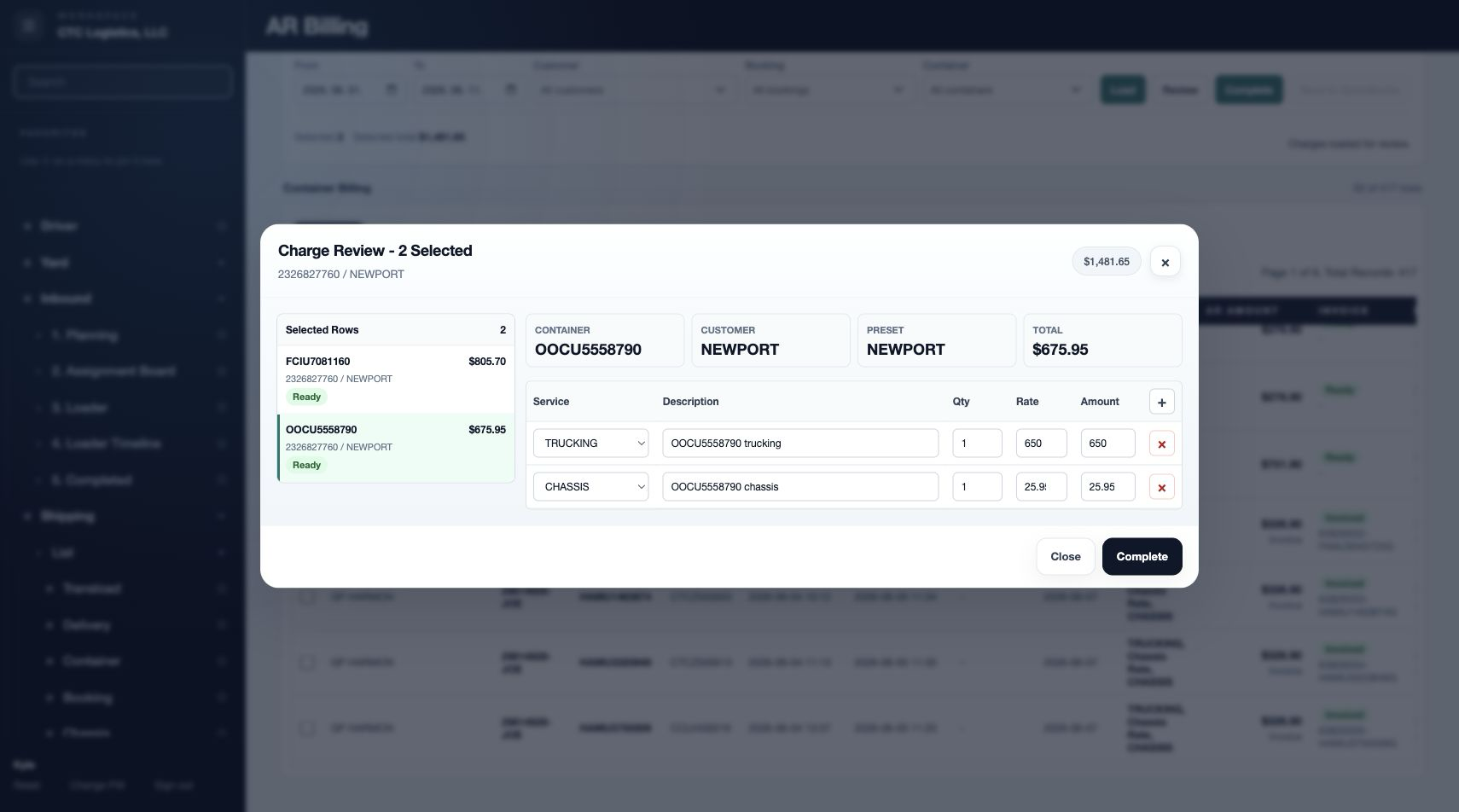
The line you can edit depends entirely on how far the invoice has got. Before completing, everything is editable. After that, almost nothing is.
Access
Accounting → AR Billing
Screen
There is no separate corrections screen. The corrections happen in the AR Billing review window, and after completion they happen in the accounts system.
Steps
Before Completing
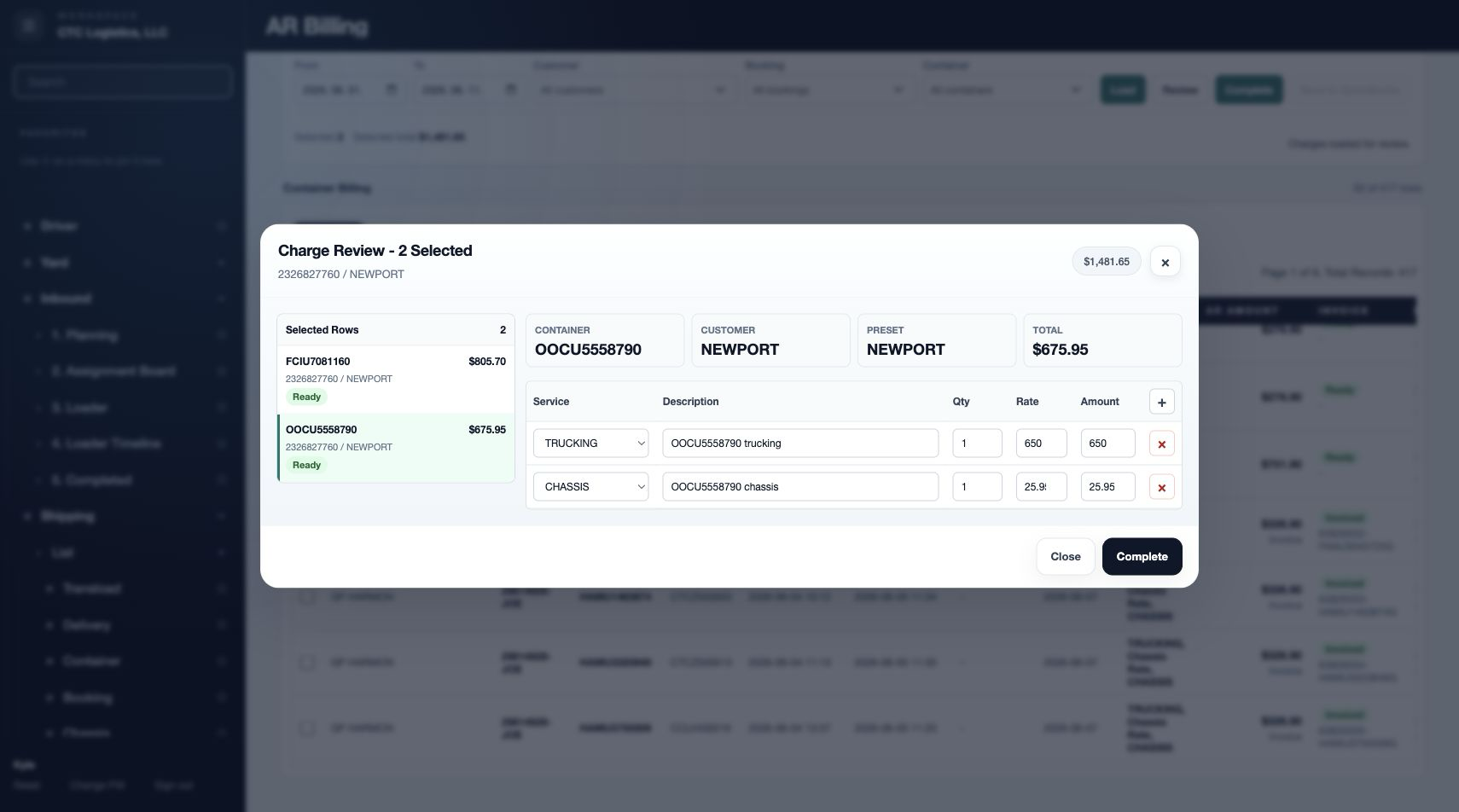
Everything is editable in the review window: service, description, quantity, rate and amount. Change what is wrong and complete.
After Completing
Delivery has already been attempted automatically, and a completed row cannot be completed again from the list.
Do not try to recreate it. Reconcile the local result against the accounts system and escalate the correction.
After It Reached the Accounts System
The invoice already exists there. Do not recreate it from this system unless the accounting process requires it.
Handle the correction in the accounts system under the company's process — void it, credit it, or reissue it.
Fields
| Field | Editable when |
|---|---|
| Service, Description, Qty, Rate, Amount | Only before completing |
| Invoice number | Only before completing |
| Anything at all | Never after it exists in the accounts system |
Status
| Stage | What you can still change |
|---|---|
| Candidate, not completed | Everything |
| Completed, delivery uncertain | Nothing here. Reconcile and escalate |
| Already in the accounts system | Nothing here. Correct it there |
Notes
- A completed row cannot be completed again from the list. That is deliberate — it prevents a second invoice.
- If delivery failed, search the accounts system before assuming the invoice does not exist. See Sending an Invoice to QuickBooks Online.
- Changing a preset does not change invoices that were already created from it. Presets affect future billing only.
- An invoice number over 21 characters is rejected — check it before completing, not after.
If Something Goes Wrong
| Situation | What to do |
|---|---|
| I completed with the wrong amount | Reconcile against the accounts system, then escalate. Do not complete again |
| Delivery errored — did it go? | Search the accounts system first by customer, number and amount |
| The invoice number is wrong | It cannot be changed here once completed. Escalate |
| A preset is wrong | Fix the preset for future billing. Existing invoices are unaffected |
| Part of a batch synced and part failed | Keep the synced ones. Escalate the rest. Retrying the batch can duplicate |