Planning Incoming Deliveries
Purpose
It holds the appointments that have been agreed, plans the dock and the equipment for each one, records vehicles arriving, and assigns a loader.
Who does this
Dispatch and inbound planners who decide what arrives when, and who unloads it.
Before you start
- You have the right account (see Permissions and Access).
- The record and date you are working on are correct.
- Words you do not know are in the Glossary.
Access
Office > Inbound Planning
The order things happen in
- An appointment is agreed — see What Approving an Appointment Email Does
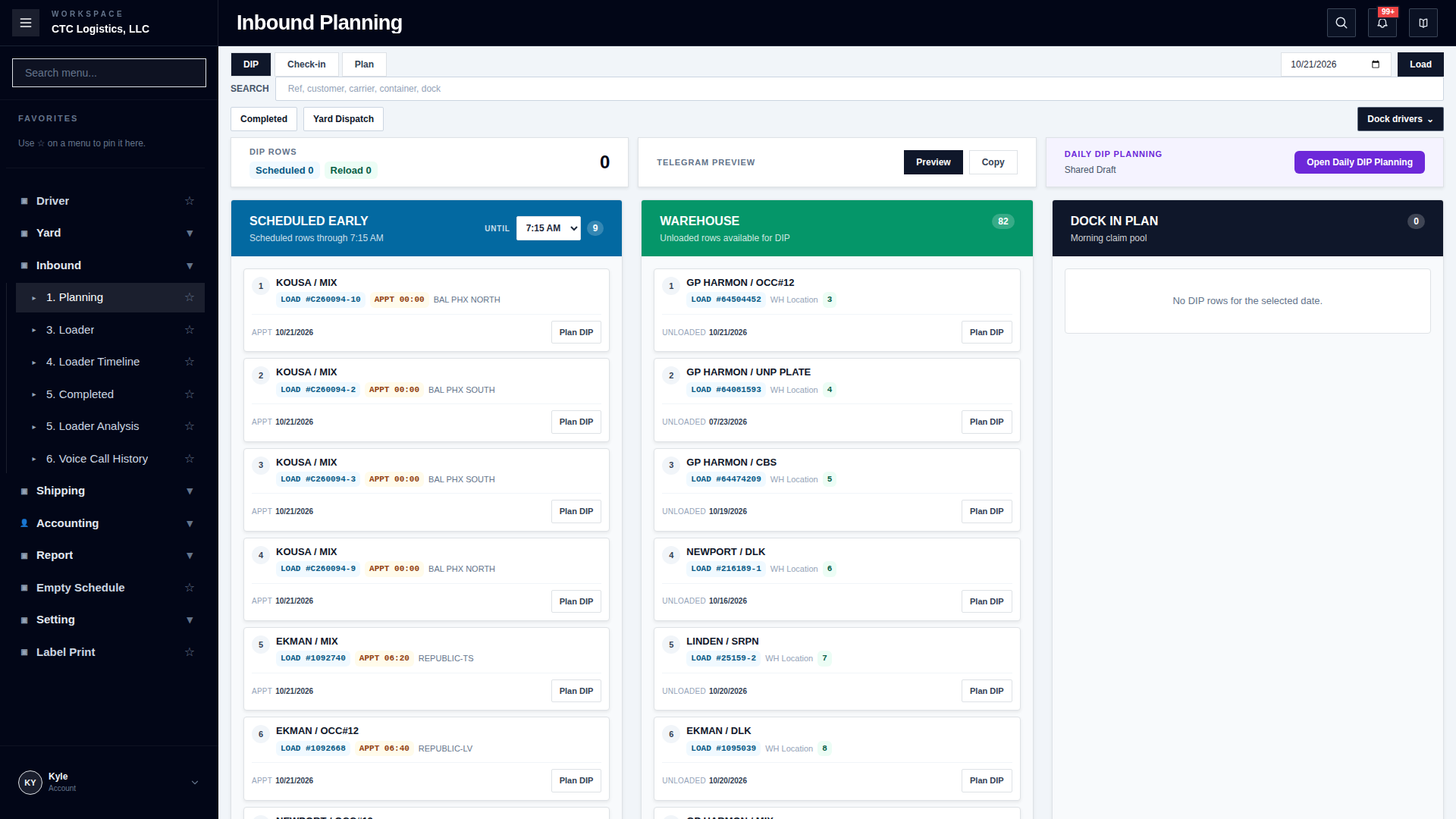
- It appears on the planning board under its date
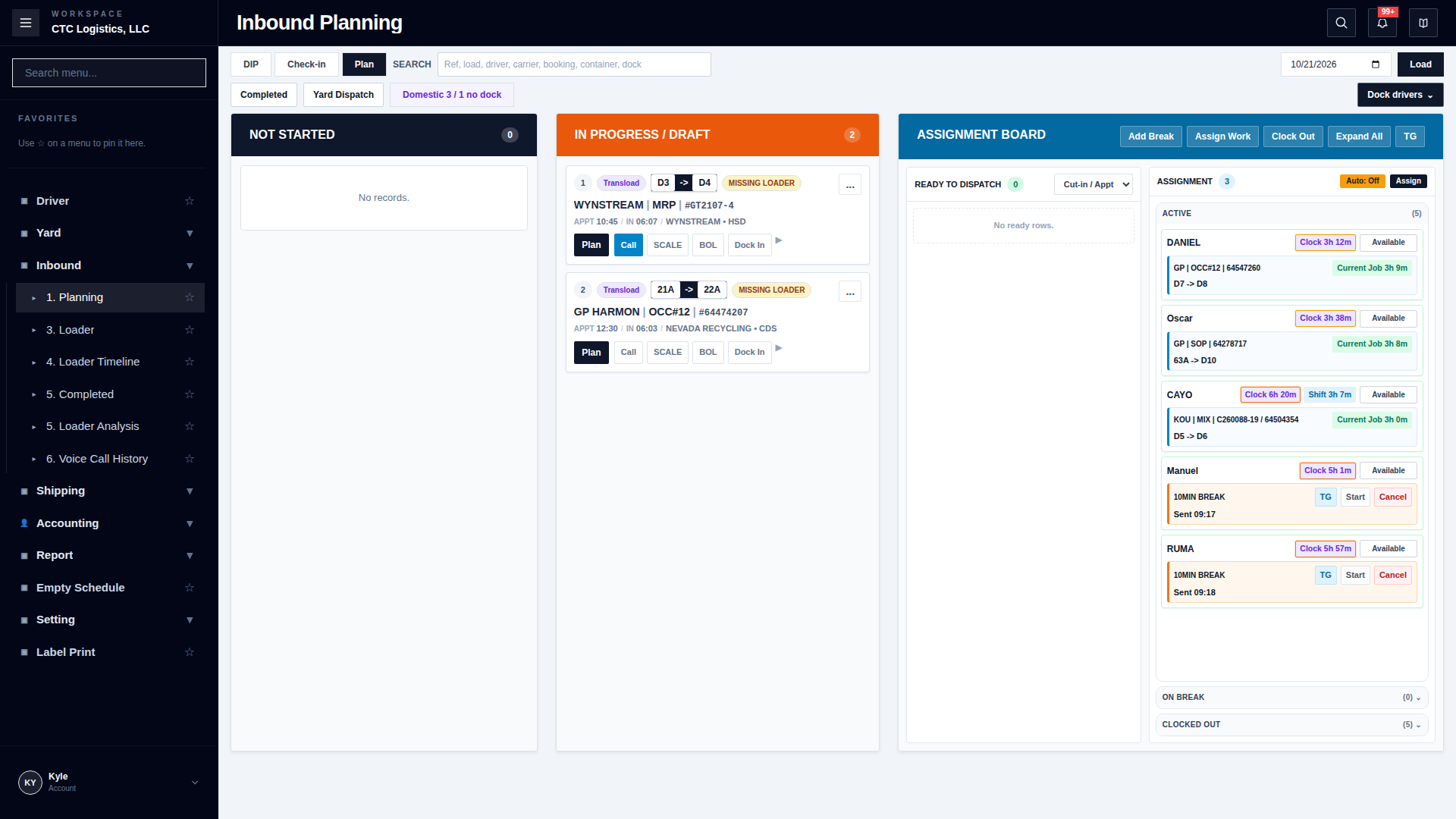
- You plan it: which dock, which equipment, in what order
- The vehicle arrives and you check it in
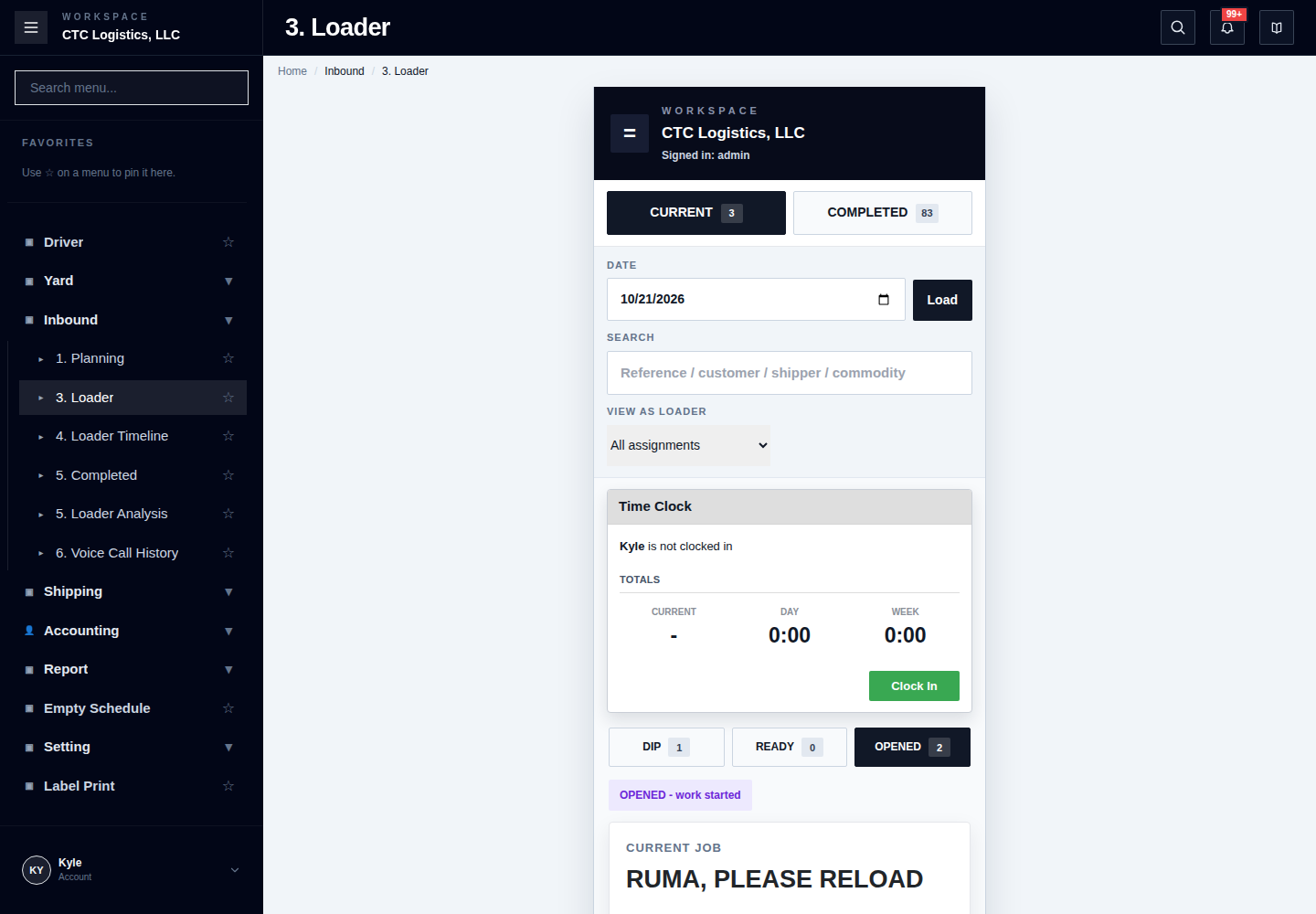
- You assign a loader
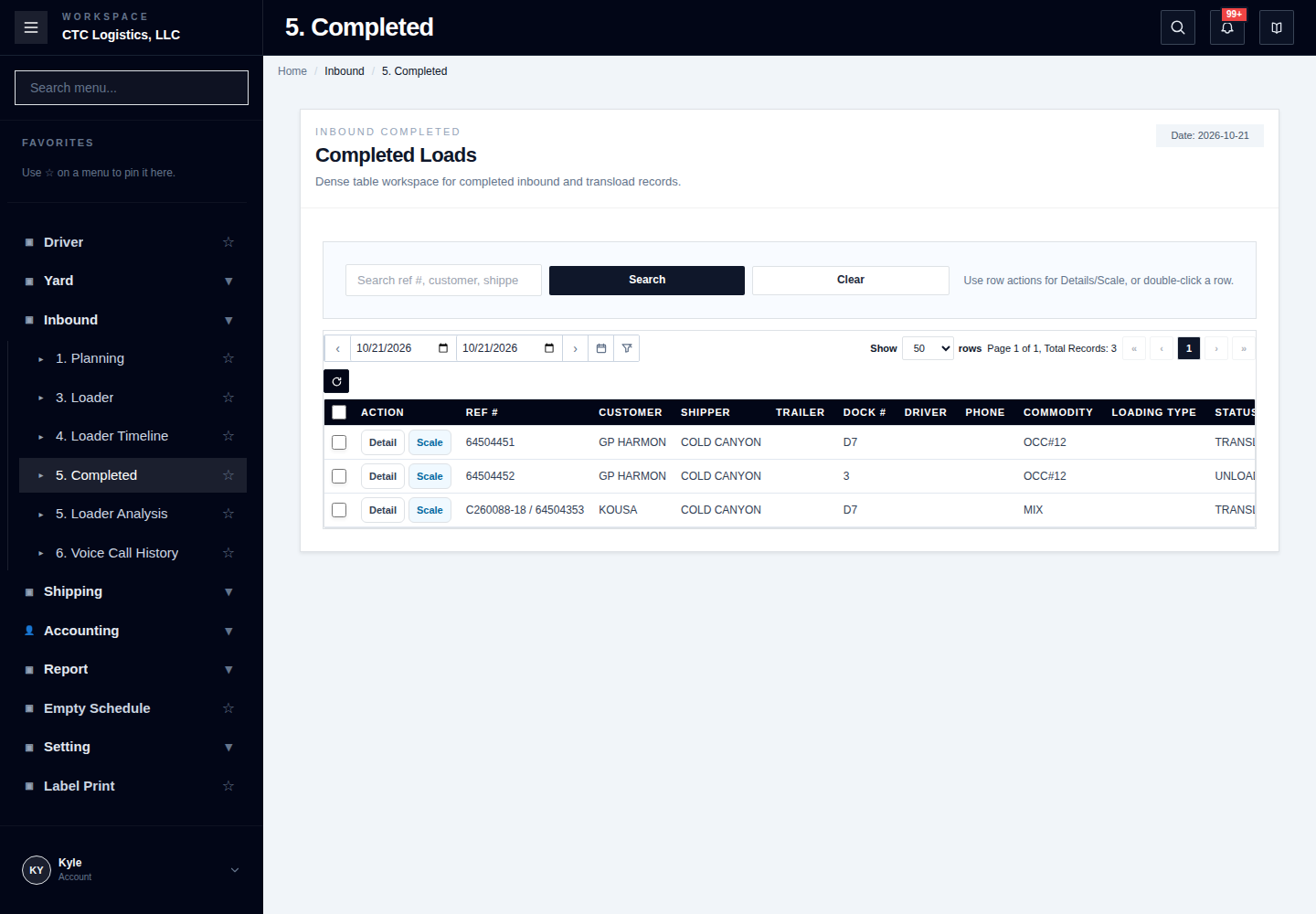
- The goods are unloaded
An agreed appointment is not a plan, and a plan is not an arrival. Each of these is a separate step with its own record. A vehicle showing up early has still not been received.
Planning a day
- Open the planning board and choose the date.
- Read the list of appointments for that date.
- For each one, choose the dock and any equipment it needs.
- Put them in the order you intend to work them.
- Save, then reopen the board and check the order is what you set.
Appointments can arrive on the board after you have started planning. Reload before you commit to an order so you are not arranging the day around a list that has changed.
Checking a vehicle in
When the vehicle arrives:
- Find it on the board for today.
- Check the reference, the carrier and the expected load against the vehicle in front of you.
- Check it in and enter the time.
If the vehicle at the dock is not the one on your list, do not check in the wrong one. Find out why they differ first.
Assigning a loader
- Open the appointment.
- Choose the loader.
- Save, then reopen and confirm the name.
A loader can only hold one job at a time. If the assignment will not save, check whether they are already assigned to something else.
Changing a plan
You can rearrange the board freely while nothing has started.
Once a vehicle has been checked in, or a loader has started work, the plan is held to what actually happened. The system will not silently move it back to match the plan. Change what you can and report the rest rather than forcing it.
If something goes wrong
| Situation | What you do |
|---|---|
| An appointment is missing from the board | Check the date. It is filed under the agreed date, not the date of the email. |
| The board changed while I was planning | Reload and plan again from the current list. |
| Check-in will not work | Check the reference and the carrier against the vehicle. It may be a different load. |
| The vehicle is here but is not on my list | Do not check in. Find out which appointment it belongs to. |
| The assignment will not save | The loader is probably already on another job. Check. |
| I cannot move something on the board | Work has started on it. The record of what happened wins over the plan. |
| Someone else planned the same day | The last save wins. Reload and check the order before working to it. |
Who owns the next step
Inbound planning owns the appointment, the dock, the check-in and the loader. Unloading and stock records belong to the warehouse — see Reading the Warehouse Map and The working day, step by step.
The full step-by-step
This page is the short version. The screen-by-screen procedure with every field and recovery step is here: