Reviewing and Creating an AR Invoice
Review and invoice
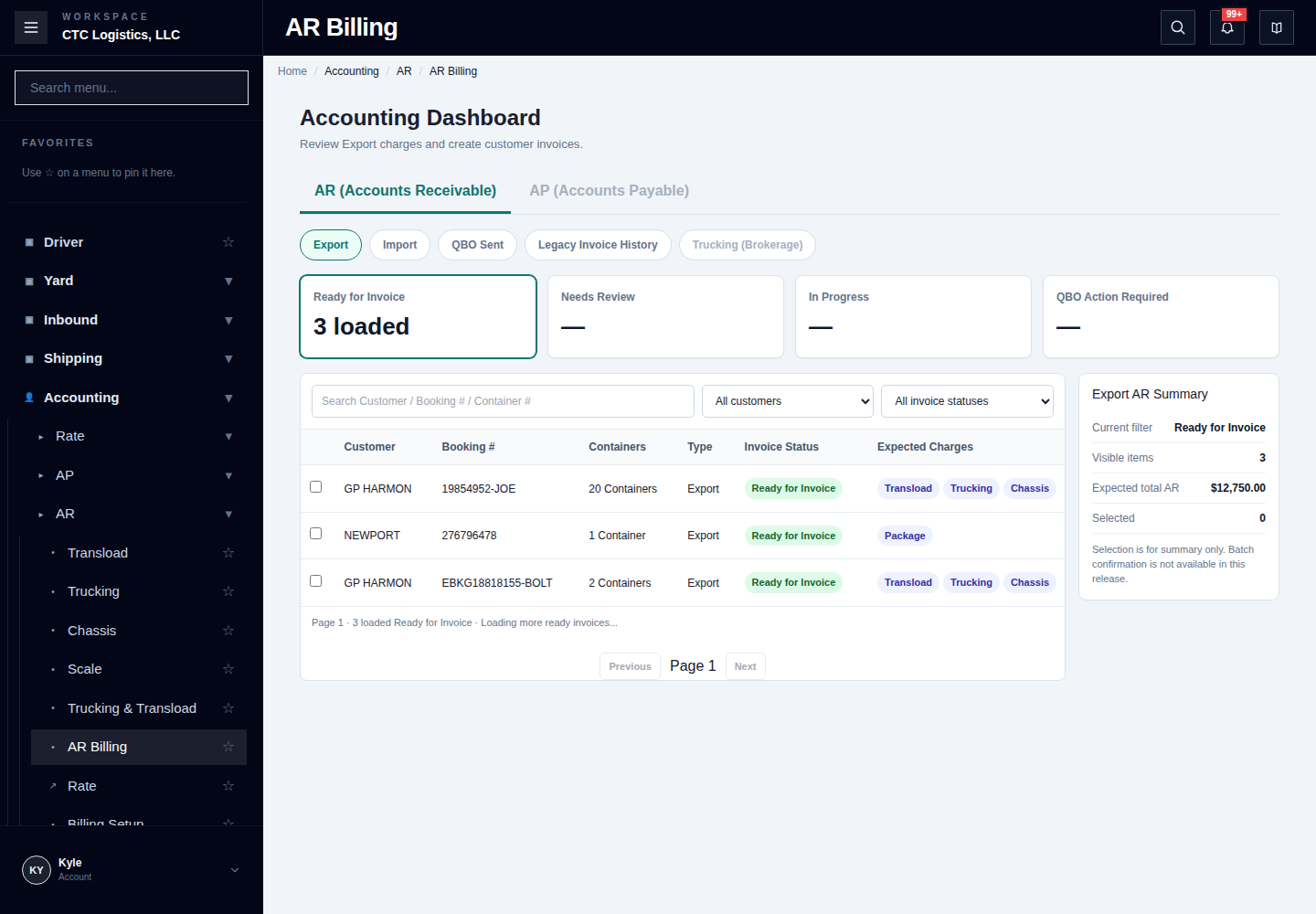
- Open AR Billing and choose Export, Import or Trucking (Brokerage).
- Find the customer and shipment.
- Open the row review and check charges and invoice total.
- Confirm the invoice once.
- Check the local invoice and QuickBooks result separately.
The row selection summary does not provide batch confirmation.